
Quickly switch language in ExploreMetro apps for Android
We've added a handy new feature to our Android apps. Previously the apps would use your device language, for example if your phone is set to Chinese, then Explore Shanghai will show the map and station names in Chinese by default. Now you can manually override this by choosing Language in the dropdown settings menu. Here's how it works:
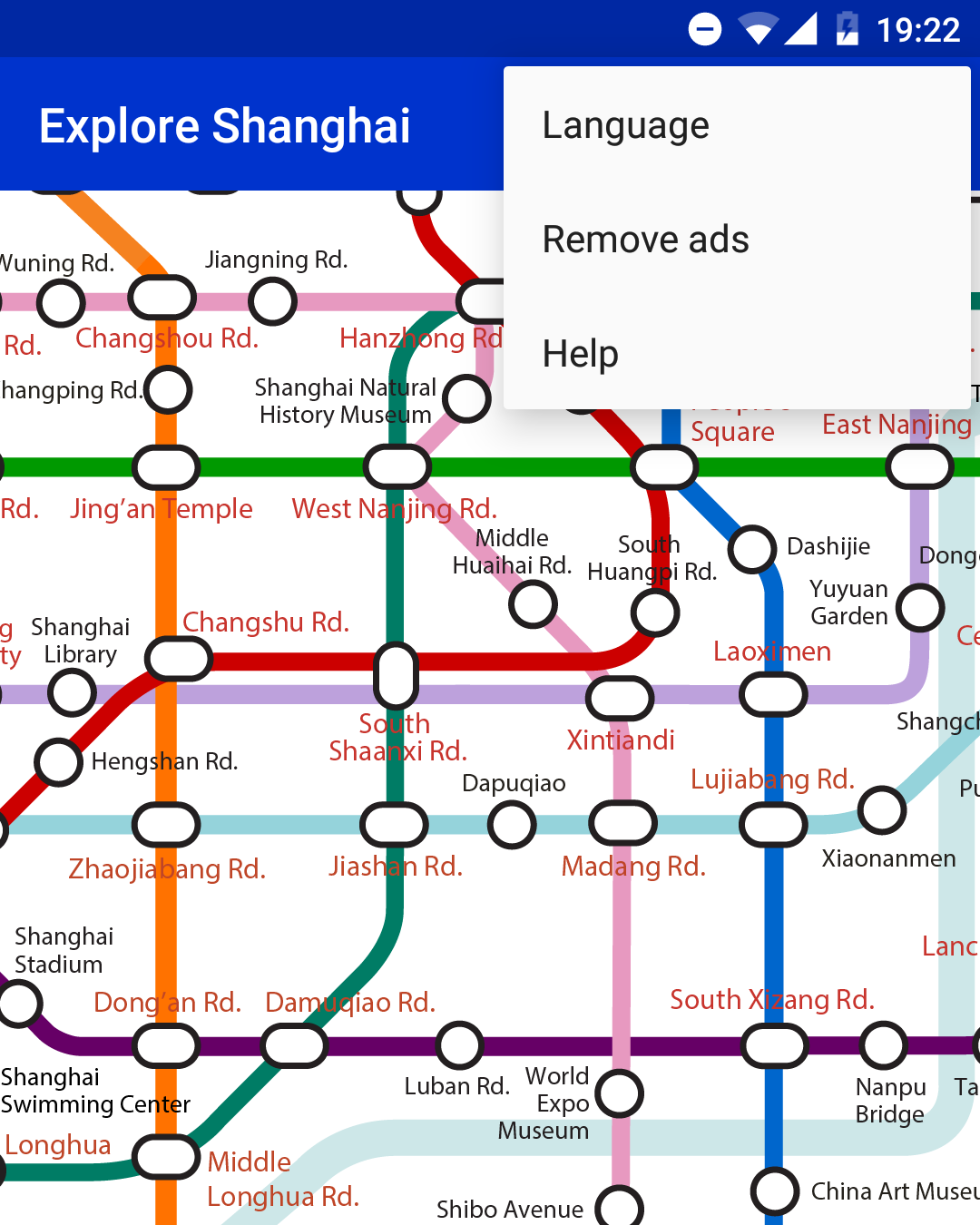
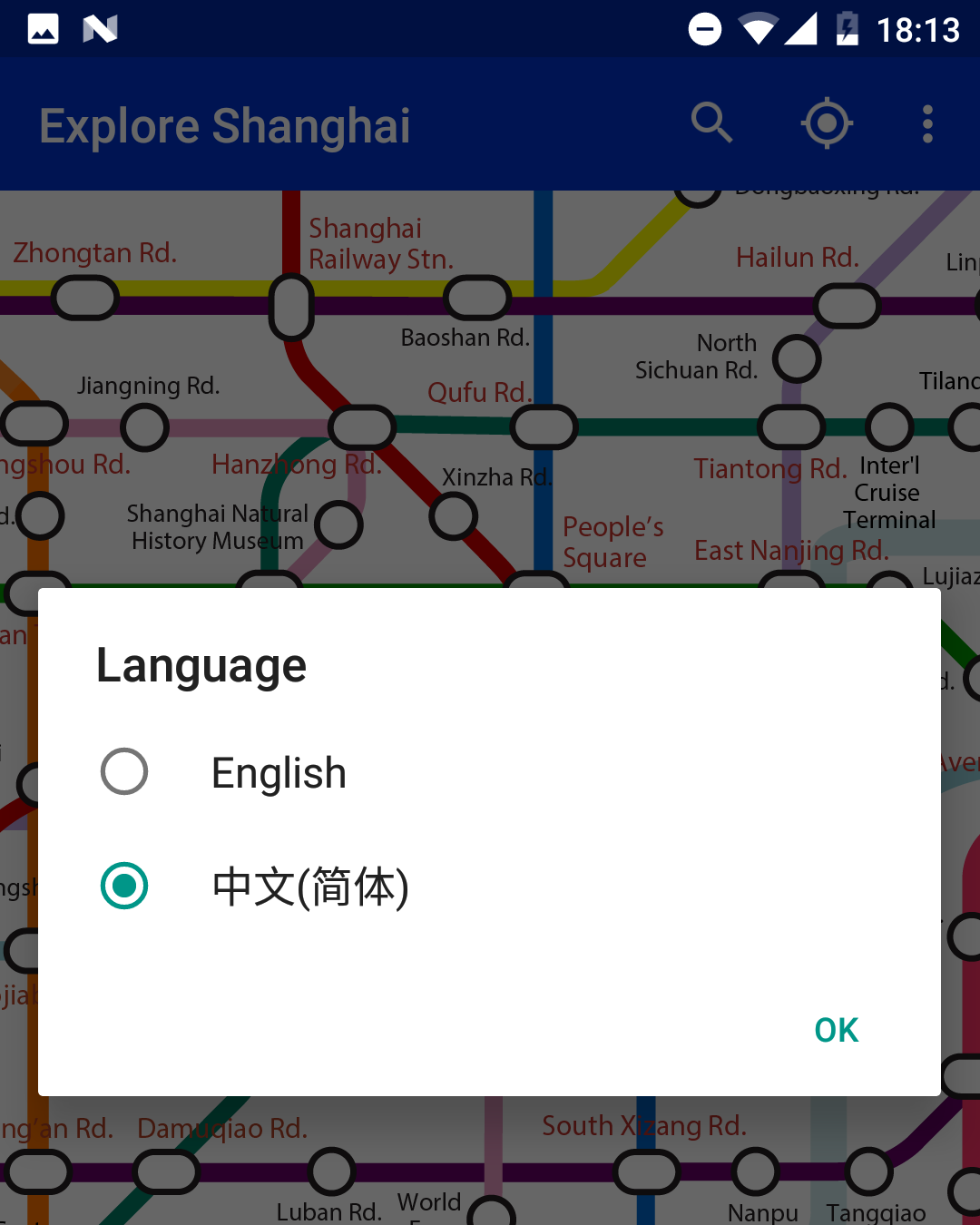
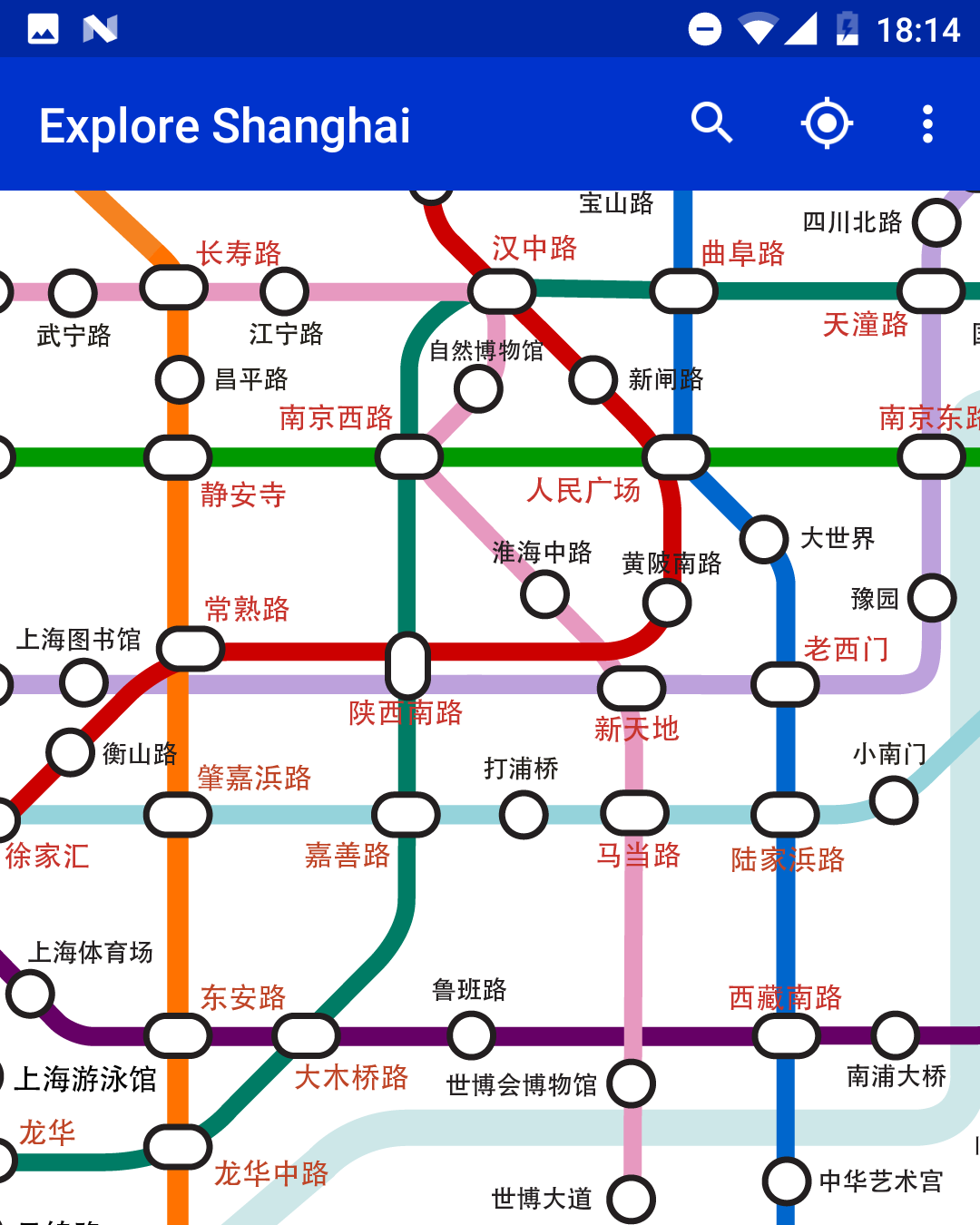
You'll need to update to version 7.0.6 or higher of the Android apps to see the new menu option. You can download our apps from Google Play or if you don't have access to Google Play, you can download the APK files directly.